Event Production Glossary: 30+ Terms Every Producer Should Know
• John Barker
Whether you’re new to live production or just tired of nodding along when someone mentions “cross-fade to IMAG,” this glossary has you covered. We’ve compiled the most common terms you’ll hear on set, backstage, and in the control room — explained in plain English.
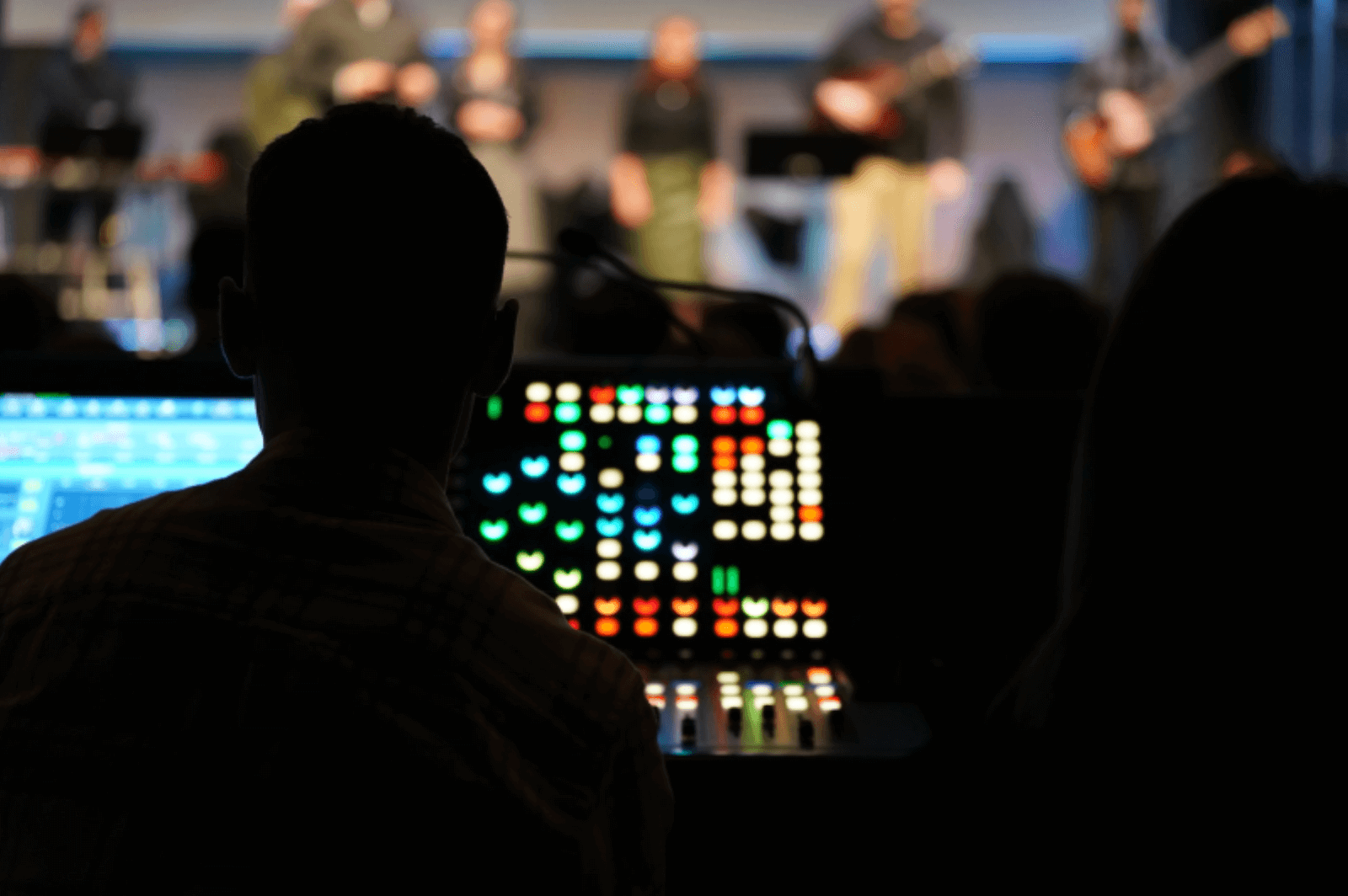
Show roles
Show Caller (SC) The person who calls the cues during a live show — telling the crew when to cut cameras, roll videos, change lighting, and more. Sometimes called a “director” in broadcast contexts. They are the central point of communication during a live event.
Technical Director (TD) Responsible for the technical execution of the show. The TD typically operates the vision mixer/switcher and manages the technical crew. They work closely with the show caller to execute each cue.
Stage Manager (SM) Manages everything happening on and around the stage — talent movements, props, set changes, and timing. They’re the show caller’s eyes and ears on the floor.
Floor Manager (FM) Works on the studio or stage floor, relaying directions from the control room to the talent. They use hand signals and earpiece communication to keep presenters informed.
Producer Oversees the creative and logistical aspects of the production. They make the big decisions about content, pacing, and structure — and ultimately, the show is their responsibility.
Production Assistant (PA) A versatile crew member who supports the production in whatever way is needed — from running scripts to managing talent to setting up equipment.
A1 (Audio Engineer) The lead audio engineer responsible for mixing the sound during the show. They control all audio levels, music, sound effects, and microphone feeds.
A2 (Audio Technician) Assists the A1 by managing microphones, cables, and on-stage audio equipment. They’re often the person wiring up presenters with lapel mics before they go on stage.
Graphics Operator (GFX) Operates the graphics system during the show — triggering lower thirds, name titles, score graphics, and any other on-screen text or visuals.
Lighting Designer (LD) Designs and programs the lighting for the show. During the event, they operate the lighting console to execute cues in sync with the rest of the production.
Documents and planning
Rundown A detailed, time-based document that outlines every segment of a show in order. It includes timing, cues, notes, and responsibilities for each part of the production. This is the single source of truth for the entire crew.
Run of Show (ROS) Often used interchangeably with “rundown,” a run of show is the master plan for an event. It lists every moment from start to finish — who does what, when, and for how long.
Cue Sheet A list of technical cues in sequential order — lights, sound, video, graphics — that tells the crew exactly what to trigger and when. More granular than a rundown, focused specifically on technical execution.
Call Sheet A document distributed to cast and crew before a production day. It includes call times, locations, contact information, and the day’s schedule. Common in film and TV but increasingly used in live events.
Production Schedule The broader timeline for an entire production — from pre-production meetings through load-in, rehearsals, the show itself, and load-out.
Blocking The process of planning and rehearsing where talent and cameras will be positioned during each segment of the show.
Technical terms
IMAG (Image Magnification) Live camera feeds projected onto large screens so the audience can see close-ups of what’s happening on stage. Essential for any venue where the back rows can’t see the stage clearly.
VT (Video Tape / Video Playback) Pre-recorded video content that plays during a show — such as intro videos, sponsor reels, or pre-produced segments. The term “VT” persists even though tape is long gone.
Lower Third A graphic overlay that appears in the lower portion of the screen, typically showing a person’s name and title. Called “lower third” because it occupies roughly the bottom third of the frame.
Cross-fade A transition where one audio or video source gradually fades out while another fades in, creating a smooth overlap.
Hard Start A cue or segment that must begin at an exact, fixed time — regardless of whether previous segments ran over or under. Common for live broadcasts with scheduled ad breaks.
Soft Start A cue that begins whenever the previous segment ends, with no fixed clock time. The timing is relative rather than absolute.
Comms (Communications) The intercom system that allows the production crew to talk to each other during a show. Usually a headset-based system with multiple channels for different departments.
Talkback A communication channel from the control room to the talent’s earpiece, allowing the director or producer to give instructions during the show.
Green Room A backstage room where talent waits before going on stage. Despite the name, it’s rarely green.
Gobo A template or stencil placed inside a lighting fixture to project a pattern or logo onto a surface. Used for branding, texture, or scenic effects.
Confidence Monitor A screen visible to the presenter on stage that shows them what’s being broadcast — their own camera feed, slides, or a timer. It gives them “confidence” that the right content is showing.
FOH (Front of House) The area of the venue where the audience sits. Also refers to the technical position at the back of the audience where sound and lighting are controlled.
Load-in / Load-out The process of bringing equipment into a venue (load-in) and removing it after the event (load-out).
Timing terms
Over/Under How much a show or segment is running ahead of or behind schedule. “We’re two minutes over” means the show is running two minutes longer than planned.
Rundown Time The planned duration for each segment in the rundown. This is the target — the actual elapsed time during the show may differ.
Elapsed Time The actual time that has passed since a segment or the show started. Compared against the rundown time to calculate over/under.
Using these terms in practice
Understanding the language of live production makes communication faster and clearer — which is exactly what you need when a show is live and every second counts. Whether you’re building your first rundown or your hundredth, speaking the same language as your crew removes ambiguity and keeps everyone in sync.
Looking for a tool to put this knowledge into practice? Rundown Studio helps production teams build, share, and run their shows — all from a browser.
Stay up to date with our latest guides with our email newsletter.