Cell history now extends to 30 days
• John Barker
What is cell history?
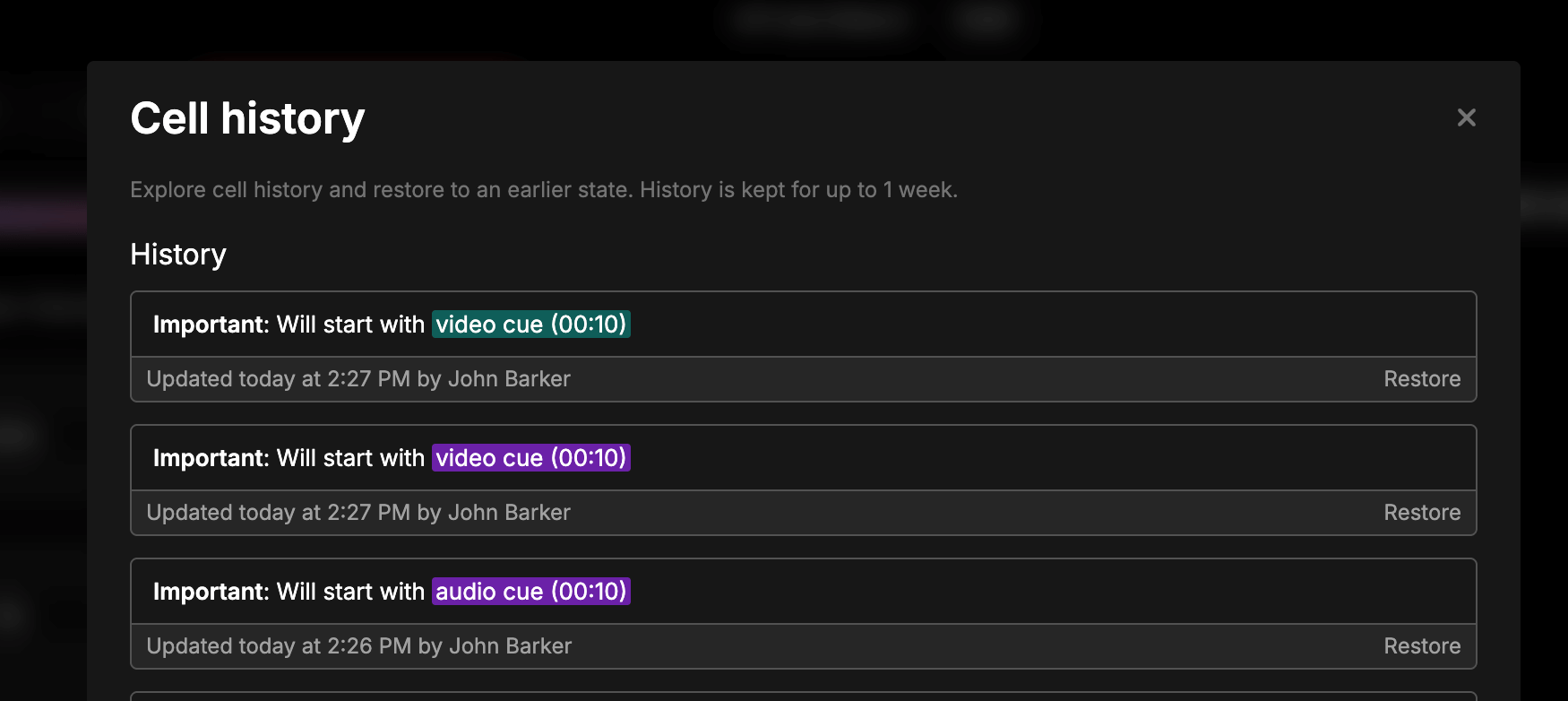
Cell history is a built-in version control system for every cell in your rundown. Every time someone on your team edits a cell - whether it’s updating a script, changing a cue description, or adjusting notes - Rundown Studio automatically saves a snapshot of that change along with who made it and when.
This gives production teams a safety net that spreadsheets and documents simply don’t offer. Accidental deletions, last-minute overwrites, or changes made during the chaos of a live show can all be undone in seconds. Instead of wondering “who changed this?” or “what did this say before?”, you can open the history for any cell and see the full timeline of edits.
It’s especially useful for:
- Live productions - restore content that was accidentally changed during a show without disrupting the rest of the rundown.
- Collaborative editing - when multiple editors are working on the same rundown, cell history lets you see exactly who changed what and revert individual edits without losing everyone else’s work.
- Post-show reviews - go back through the rundown after a show to understand what changed during the event, which is invaluable for improving future productions.
30 days of cell history
We’ve extended cell history retention from 7 days to 30 days. Every change made to a cell in your rundown is now available for a full month, giving you and your team much more breathing room when reviewing past edits.
Why we made this change
This was a highly requested update after our release. Production teams told us that 7 days wasn’t always enough - especially when post-show reviews, client debriefs, or multi-week event planning stretched beyond a week. Having a full 30 days of history means you can:
- Review changes across multi-week productions without worrying about losing edit history mid-project.
- Restore content confidently even days after a show wraps, during post-production reviews or when prepping for the next event.
- Track who changed what over a longer period, which is essential for larger teams working across multiple rundowns.
How it works
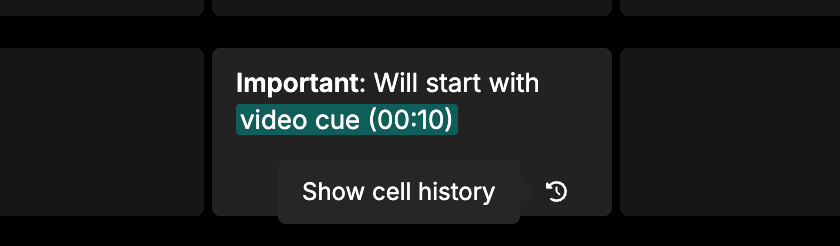
Nothing changes about how you use cell history - it works exactly the same as before. Click the “History” icon at the bottom of any cell to see all previous versions, who made each change, and when.
Click “Restore” on any previous version to bring it back. The only difference is that your history now goes back 30 days instead of 7.
Already live
This update is live now for all users on all plans. No action needed on your end - your cell history is already being retained for 30 days.
Thanks for using Rundown Studio. Stay up to date with development with our email newsletter.