Event Production Roles Explained: Who Does What on a Live Show
• John Barker
Walk into any live production and you’ll find a team of people with very specific jobs — each one critical to the show running smoothly. But if you’re new to the industry (or just trying to figure out who to hire), the titles can be confusing.
Here’s a clear breakdown of the key roles in live event production and how they fit together.
The control room
Show Caller
The show caller is the voice of the production during a live event. They sit in the control room (or side of stage) and call every cue — telling the crew when to cut cameras, roll videos, change lighting, trigger graphics, and send talent on stage.
Think of them as the conductor of an orchestra. They don’t play the instruments, but they ensure everyone plays at the right time.
Key responsibilities:
- Call all cues during the live show
- Maintain the pace and flow of the event
- Make real-time decisions when things don’t go to plan
- Lead rehearsals and tech runs
- Work from the rundown as the primary reference
Also known as: Director (in broadcast), Caller, Show Director
Technical Director (TD)
The TD is responsible for the technical execution of the show. In broadcast, they typically operate the vision mixer (video switcher), cutting between cameras and video sources on the show caller’s command.
In larger productions, the TD also oversees the entire technical crew and handles the technical planning during pre-production — equipment lists, signal flow, and system design.
Key responsibilities:
- Operate the vision mixer / switcher
- Oversee technical crew and equipment
- Troubleshoot technical issues during the show
- Manage signal routing and system configuration
Producer
The producer is the person ultimately responsible for the show. They own the creative vision, the budget, and the content. During pre-production, they shape what the show will be. During the show, they make the big calls — do we cut a segment? Do we extend? Do we go to break?
The relationship between producer and show caller is critical. The producer decides what happens; the show caller executes how it happens.
Key responsibilities:
- Define the show’s creative direction and content
- Manage the budget and schedule
- Make editorial decisions during the show
- Liaise with clients and stakeholders
- Approve the final rundown
On the floor
Stage Manager (SM)
The stage manager is the show caller’s counterpart on the floor. While the show caller works from the control room, the stage manager works on or near the stage — managing talent movements, props, set changes, and anything physical.
They wear a headset connected to the show caller and relay instructions to people who aren’t on comms. They’re often the last person talent sees before walking on stage.
Key responsibilities:
- Manage talent movements on and off stage
- Coordinate set changes and props
- Relay cues from the control room to the floor
- Ensure the stage is set correctly for each segment
- Manage backstage areas and green room
Floor Manager (FM)
Common in broadcast and studio productions, the floor manager works directly with on-camera talent. They relay timing cues using hand signals — “30 seconds left,” “wrap it up,” “go to camera 2” — so the talent can adjust without breaking their flow.
Key responsibilities:
- Relay timing and direction cues to talent via hand signals
- Manage talent positioning on set
- Act as the control room’s representative on the floor
Technical crew
Audio Engineer (A1)
The A1 is the lead audio person. They mix all sound during the event — microphones, music, sound effects, video playback audio — and ensure everything sounds right for both the live audience and any broadcast or stream.
Audio Technician (A2)
The A2 supports the A1 by managing the physical audio setup — wiring microphones on talent, managing cable runs, setting up monitors, and handling any on-stage audio equipment.
Lighting Designer / Operator (LD)
The lighting designer creates the visual atmosphere of the show through light. They design the lighting looks for each segment, program them into the console, and execute cues during the show. On smaller productions, one person designs and operates. On larger shows, these may be separate roles.
Graphics Operator (GFX)
The graphics operator triggers all on-screen visual elements — lower thirds (name titles), score graphics, sponsor logos, and any other text or imagery that appears on the broadcast or screens. They work closely with the show caller, triggering each graphic on cue.
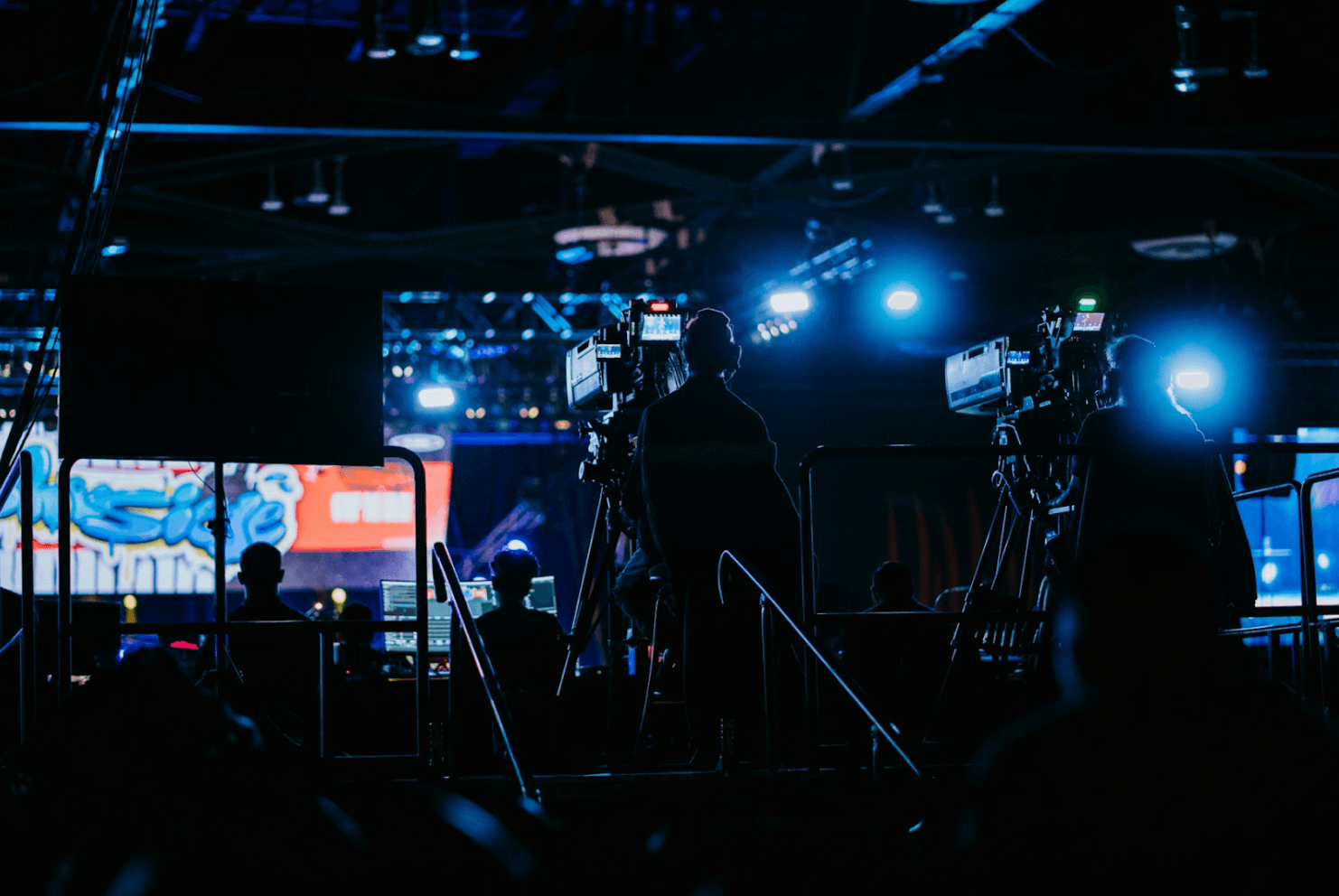
Camera Operators
Camera operators frame and capture the shots that the TD cuts between. Each operator is assigned a position (Camera 1, Camera 2, etc.) and receives shot instructions from the show caller or TD through comms.
Vision / Playback Operator
Manages all pre-recorded video content (VTs) and ensures they play at the right moment. They load, cue, and play videos on the show caller’s command.
How they all work together
The magic of a live production is coordination. Here’s how a single moment — an award presentation, for example — flows through the team:
- Producer approved the segment content and running order weeks ago
- Show caller calls “Standby VT 12” — the intro video for the award
- Playback operator confirms ready
- Show caller calls “Roll VT 12, fade up audio” — the video plays
- Audio engineer brings up the video audio
- Stage manager sends the presenter to their mark
- Show caller calls “Camera 2, cue talent” — live camera shot of the presenter
- TD cuts to Camera 2
- Floor manager gives the presenter a “go” signal
- Graphics operator triggers the lower third with the presenter’s name
- The presenter speaks, and the whole cycle continues for the next cue
All of this happens in seconds. Everyone knows their role, everyone is on comms, and the rundown keeps everyone on the same page.
Building your team
Not every event needs every role. A small corporate presentation might need just a show caller and an AV operator. A major broadcast might have 50+ crew members across all these positions.
The key is matching your team structure to the complexity of your event. Start with the roles you absolutely need, and add specialists as the production demands it.
Stay up to date with our latest guides with our email newsletter.