What's new in v2.14
• John Barker
Save a rundown as a template
You can now save any rundown as a reusable template. Once saved, your templates appear in the rundown selector whenever you create a new rundown — so you can start from a proven structure instead of building from scratch every time.
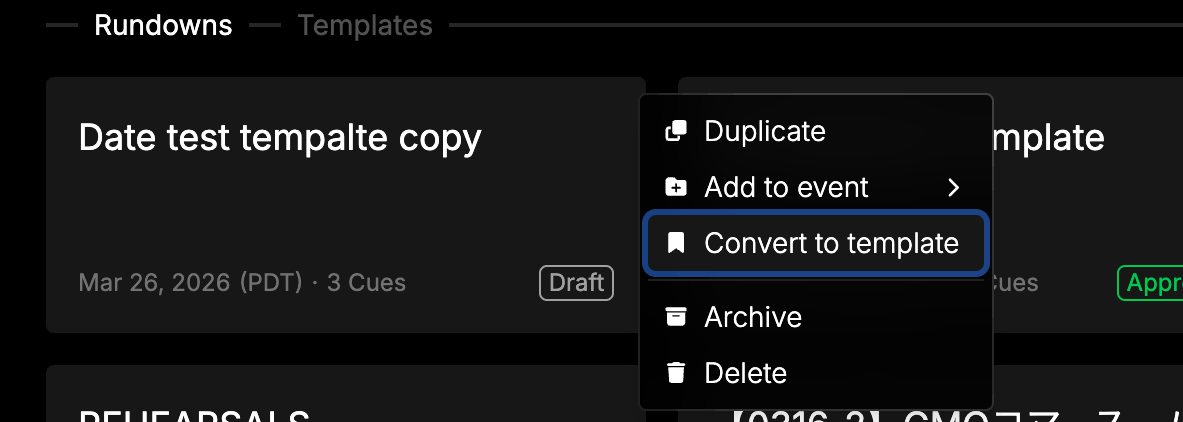
This is perfect for teams that run recurring shows, weekly broadcasts, or events with a consistent format. Set up your columns, cue structure, and timing once, save it as a template, and reuse it as many times as you need.
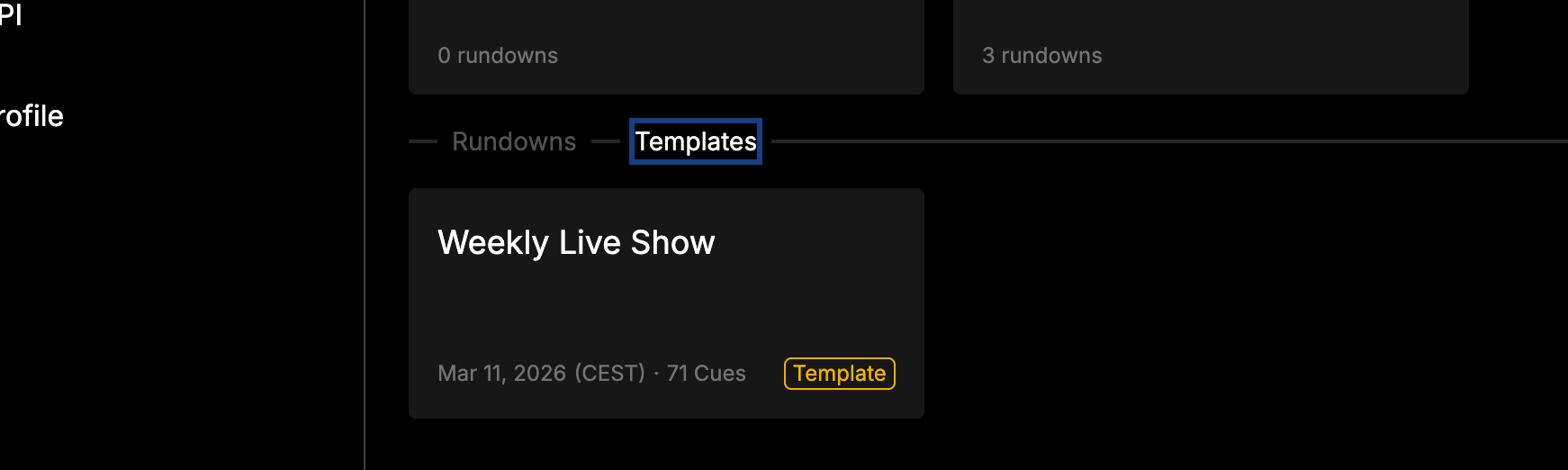
If you haven’t created any templates yet, you’ll see a helpful prompt guiding you through the process. New rundowns default to a blank state, so templates are always optional.
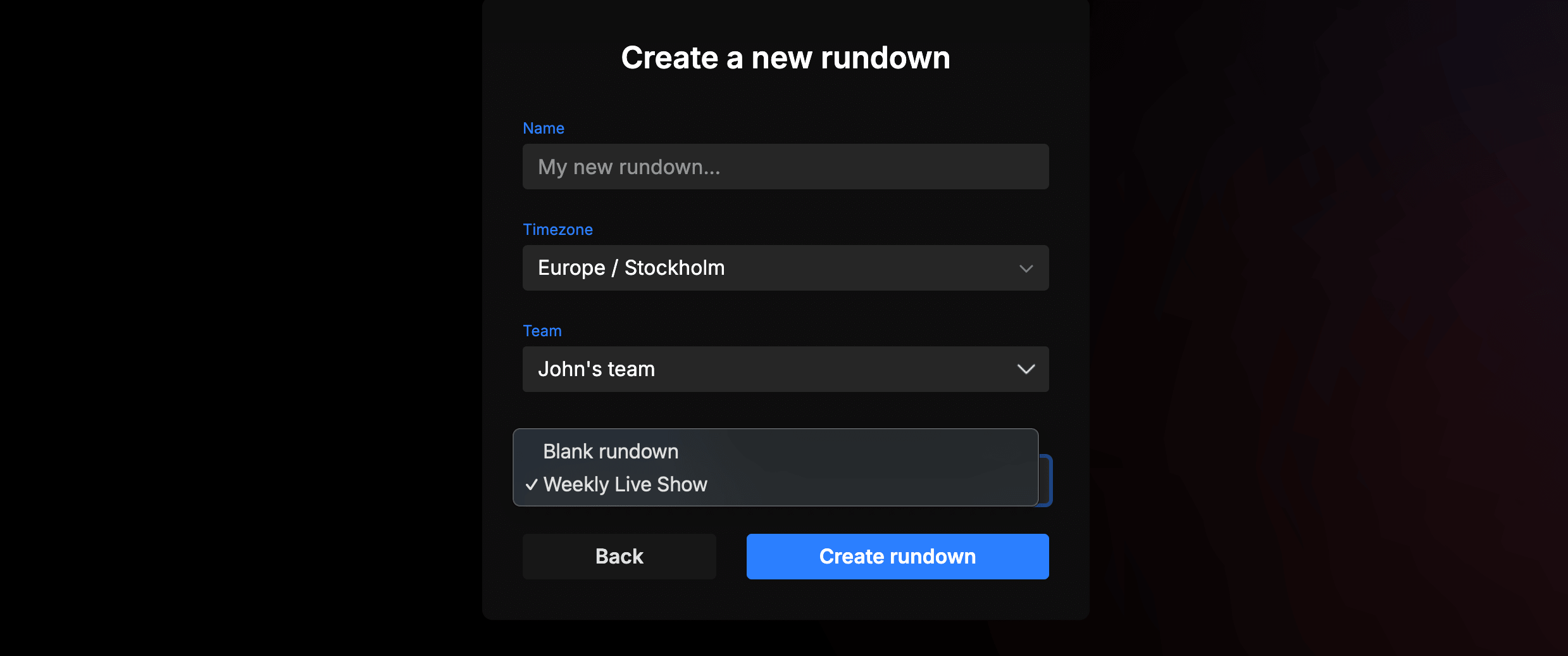
Prompter text alignment
You can now control the text alignment in the prompter output. Whether your talent prefers left-aligned, centered, or right-aligned text, you can adjust it to match their reading style.
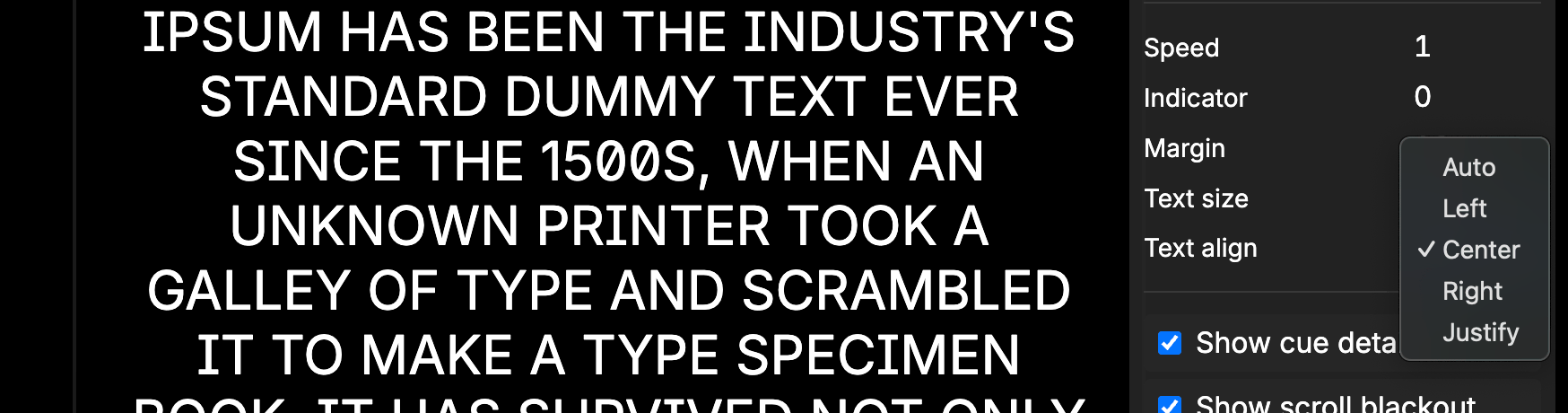
Per-user column preferences
Column visibility is now saved per user. If you hide or show columns on a rundown, those preferences stick for you — without affecting what your teammates see.
This means each team member can customize their view of the same rundown. A show caller might want to see all columns, while a camera operator only needs their specific notes column visible. Everyone gets their own view without stepping on each other’s layout.
Bug fixes
- Cell editing reliability — resolved an issue where simultaneous edits to the same cell could occasionally overwrite each other. Cell saves are now more reliable, especially when multiple team members are editing at the same time.
- Undo in trash — the CMD+Z shortcut no longer triggers for read-only viewers when the trash modal is open.
- Page loading improvements — fixed an issue where the app could sometimes show an error page when loading. The page now retries automatically and recovers gracefully.
Thanks a bunch for using Rundown Studio. Stay up to date with development with our email newsletter.