Getting started
What is Rundown Studio?Create an accountRundown
Rundown basicsColumnsTemplatesSettingsGaps and overlapsTrashCell historyMentionsText variablesRunning a showImport CSV rundownEvent
Event basicsSharing eventsAPI
Getting startedAPI reference ↗Build a rundown from CSVWorking with cell contentLive updates over SSEAdvanced usageError referenceMigrating from v0API v0 (deprecated)Integrations
Companion ModuleBitfocus ButtonsOBS StudioOnTheAir VideoProPresenterQLabSharing and outputs
Read-only rundownEditable rundownQuick access codeOutputPrompterPDF exportCSV exportAccount
Your teamSubscription and invoicesUpdates
ChangelogTemplates
Save any rundown as a reusable template and start new rundowns from a proven structure.
Save a rundown as a template
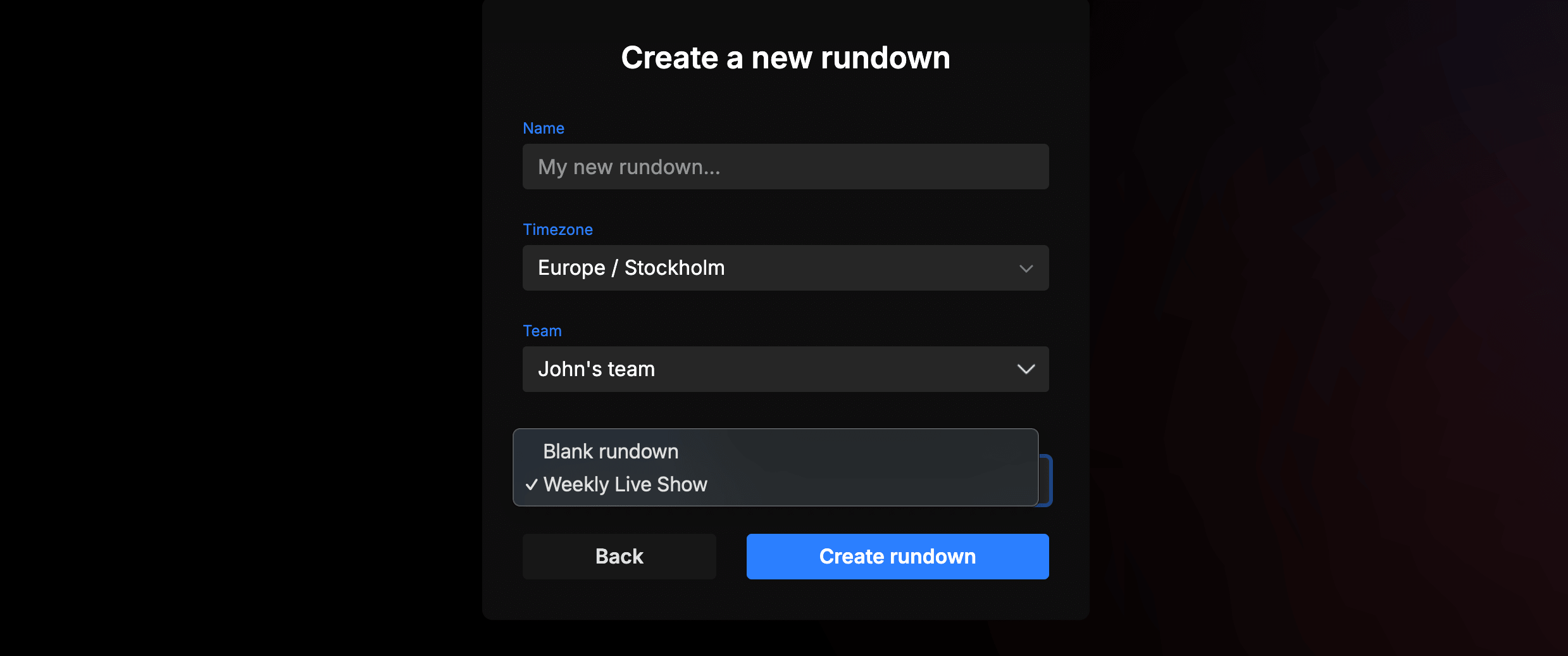
You can save any rundown as a reusable template. Once saved, your templates appear in the rundown selector whenever you create a new rundown — so you can start from a proven structure instead of building from scratch every time.
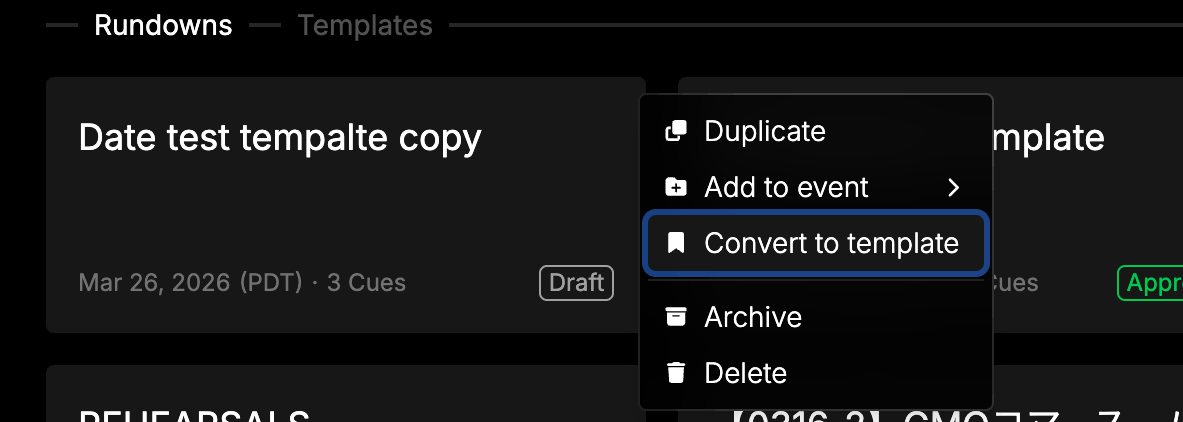
This is perfect for teams that run recurring shows, weekly broadcasts, or events with a consistent format. Set up your columns, cue structure, and timing once, save it as a template, and reuse it as many times as you need.
Templates on the dashboard
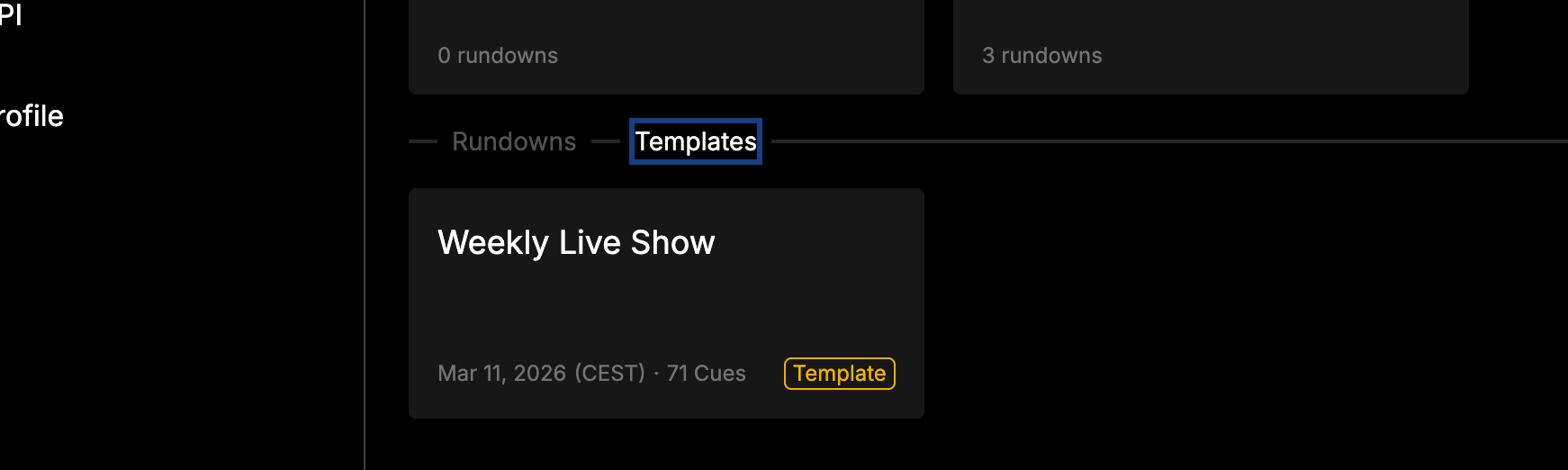
If you haven’t created any templates yet, you’ll see a helpful prompt guiding you through the process. New rundowns default to a blank state, so templates are always optional.
Creating a rundown from a template